FF Global Controls Settings Guide for Smoother Play
FF Global Controls Settings Guide for Smoother Play
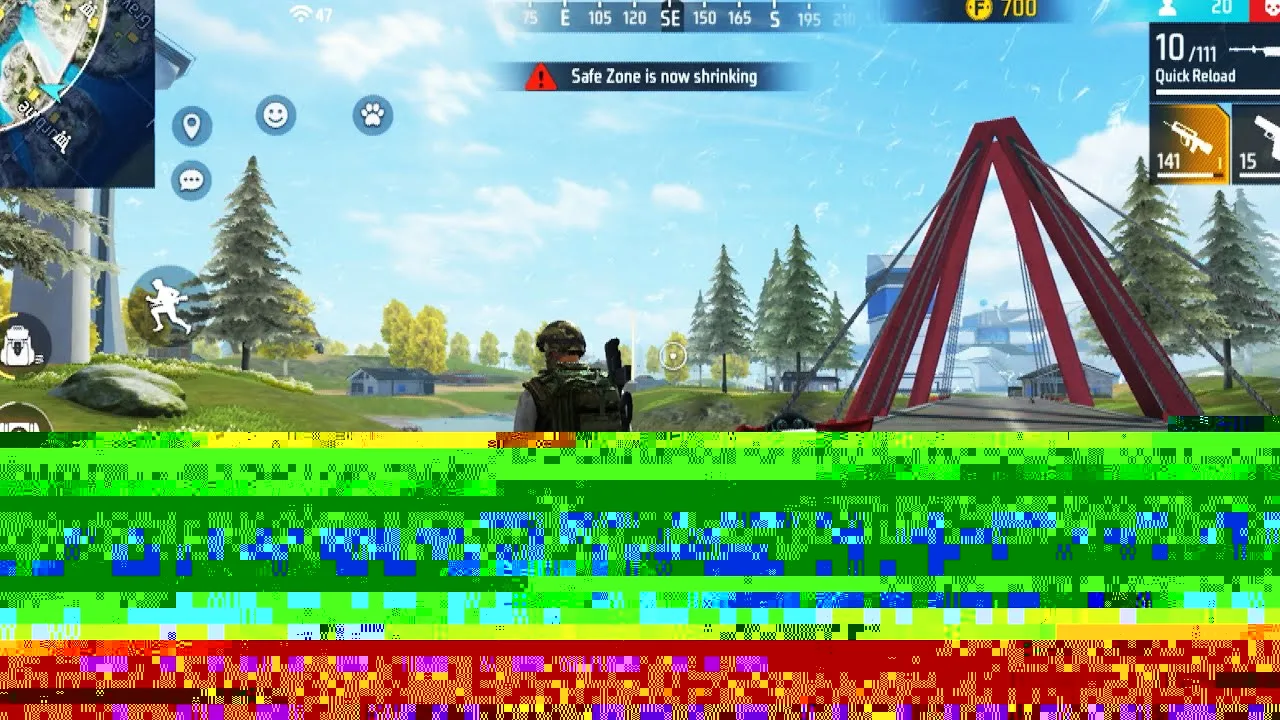

Good controls are the quiet foundation of every good match in FF Global. When your fire button sits where your thumb expects it, when the aim button is easy to reach without stretching, and when nothing on the screen blocks your view, you stop fighting the interface and start reading the game itself. Most players never change the default layout, yet a short session of careful adjustment can make movement cleaner, aiming steadier and reactions noticeably faster.
If you have just installed the game, begin from FF Global APK download so you understand the main app layout before you start changing things. After that, work through the control settings in a calm order: layout first, button size second, transparency third, and testing after every single change.
The biggest mistake players make with custom layouts is dragging everything around at once. When ten buttons move in a single session, your muscle memory has nothing stable to hold on to, and your next matches feel worse instead of better. A safer approach is to keep the default layout as your base and move only one control per practice session.
Begin with the button that bothers you most. Maybe the fire button feels slightly too low, or the jump button sits too far from your right thumb. Move that single button a small distance, play a few rounds, and pay attention to whether your thumb lands on it naturally. Small, patient adjustments build a layout that truly fits your hands instead of a layout copied from someone else.
The fire button is the control you touch most often, so it deserves the most attention. If it is too small, your thumb slips off it during fast fights and your shots stop mid-burst. If it is too large, it covers enemies on the right side of the screen and blocks information you need. Most players find a comfortable middle size works best, large enough to hit without looking, small enough to keep the view clear.
Position matters just as much. Place the fire button where your right thumb rests when you hold the phone naturally, not where you think it should go. Hold the device the way you normally play, let your thumb fall onto the screen, and put the button close to that spot. Pair this with the FF Global sensitivity settings guide so your aim speed and your button placement support each other instead of working against each other.
Your joystick, aim button, crouch, jump and prone controls form the second layer of your layout. These buttons are used in quick combinations: move, aim, fire, then drop or jump to become harder to hit. If any of them sits outside your natural thumb range, the whole combination slows down and feels clumsy under pressure.
Keep the joystick firmly on the left where your left thumb already lives, and avoid shrinking it so much that direction changes become imprecise. On the right side, group aim and fire close together so switching between hip fire and aimed fire takes almost no thumb travel. Buttons you use rarely, such as emotes, can move further away or shrink, because they never decide a fight.
A clean screen is a competitive advantage. FF Global lets you lower the transparency of many HUD elements, and reducing the opacity of buttons you already know by touch keeps your view of the map much clearer. Lower transparency on secondary buttons first, and keep your fire and aim buttons fully visible until your muscle memory is completely reliable.
Also watch where elements overlap. The minimap, health bar and ability icons should never sit on top of each other, and no button should hide the centre of the screen where most fights happen. After adjusting transparency, open a match and simply look around: if your eyes can scan the whole field without a button getting in the way, the layout is doing its job.
Never judge a new layout in a serious match first. Pressure hides problems and creates bad habits, because you blame the layout for mistakes that pressure caused. Use practice modes to run, aim, slide and shoot with each new setup, and only carry changes into real matches once the layout feels boring, in the good sense: you no longer think about it at all.
The FF Global training ground guide explains how to structure those practice sessions so each control change gets a fair test. Keep a simple rule for yourself: one change, ten minutes of testing, then decide. If a change does not feel clearly better after honest testing, return it to the previous position instead of forcing yourself to adapt to something that does not suit your hands.
One more habit separates good layouts from great ones: revisit your controls after you change phones, add a new grip style, or move up in rank and start facing faster opponents. Hands and habits evolve, and a layout that was perfect three months ago can quietly become the thing holding you back. Once a month, spend ten minutes in training asking a simple question about each main button: does my thumb still land here without thinking? If the answer is yes everywhere, leave the layout alone. If one button consistently causes fumbles, adjust only that button and test it properly before your next serious session.
FF Global controls reward patience. Build your layout slowly from the default base, size the fire button for your own thumb, keep movement and aim controls within easy reach, and clear away screen clutter with transparency settings. Test everything in training first, and your layout will quietly support every other skill you build in the game.
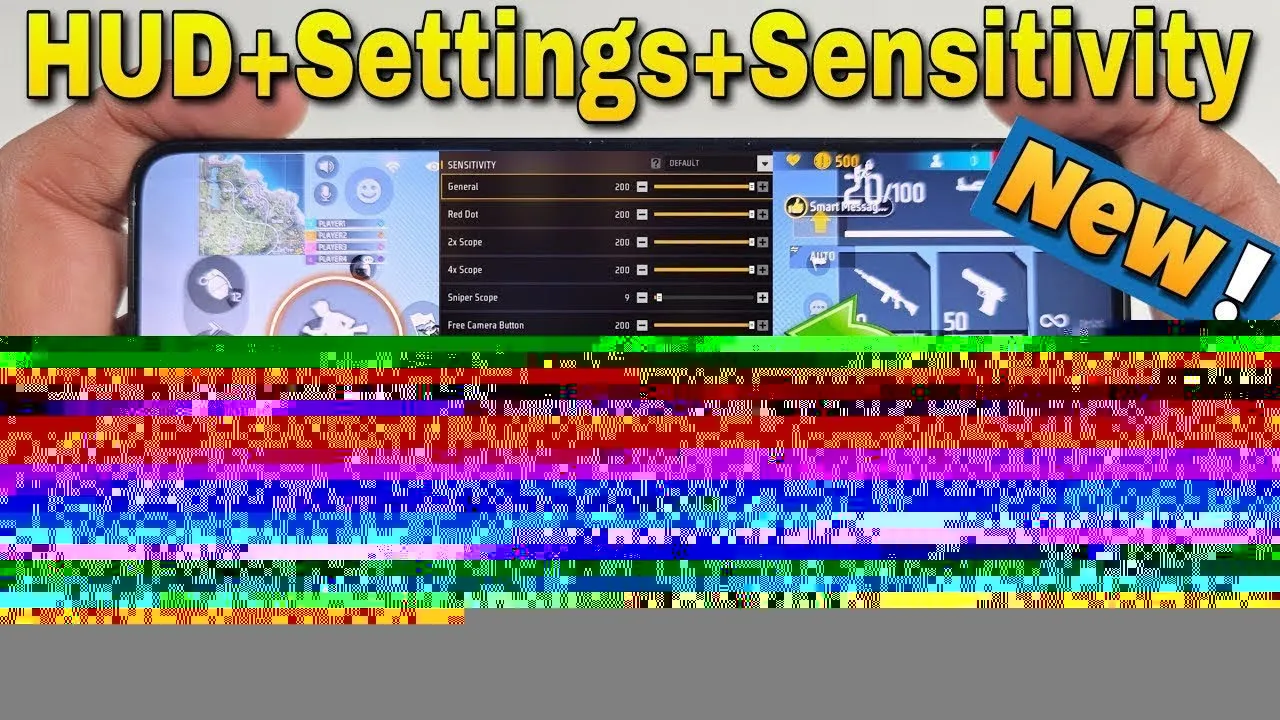
Find FF Global sensitivity settings that fit your phone and play style, with simple steps for general, red dot, scope and free look sensitivity. on any phone.
Read Now
Start FF Global with confidence using beginner tips on landing spots, looting order, safe movement, mode choice and habits that build skill fast. from day one.
Read Now
Master FF Global Clash Squad with this guide to round structure, weapon buying, economy decisions, team roles and simple strategies that win rounds. on Android.
Read Now