Best FF Global Sensitivity Settings for Android
Best FF Global Sensitivity Settings for Android
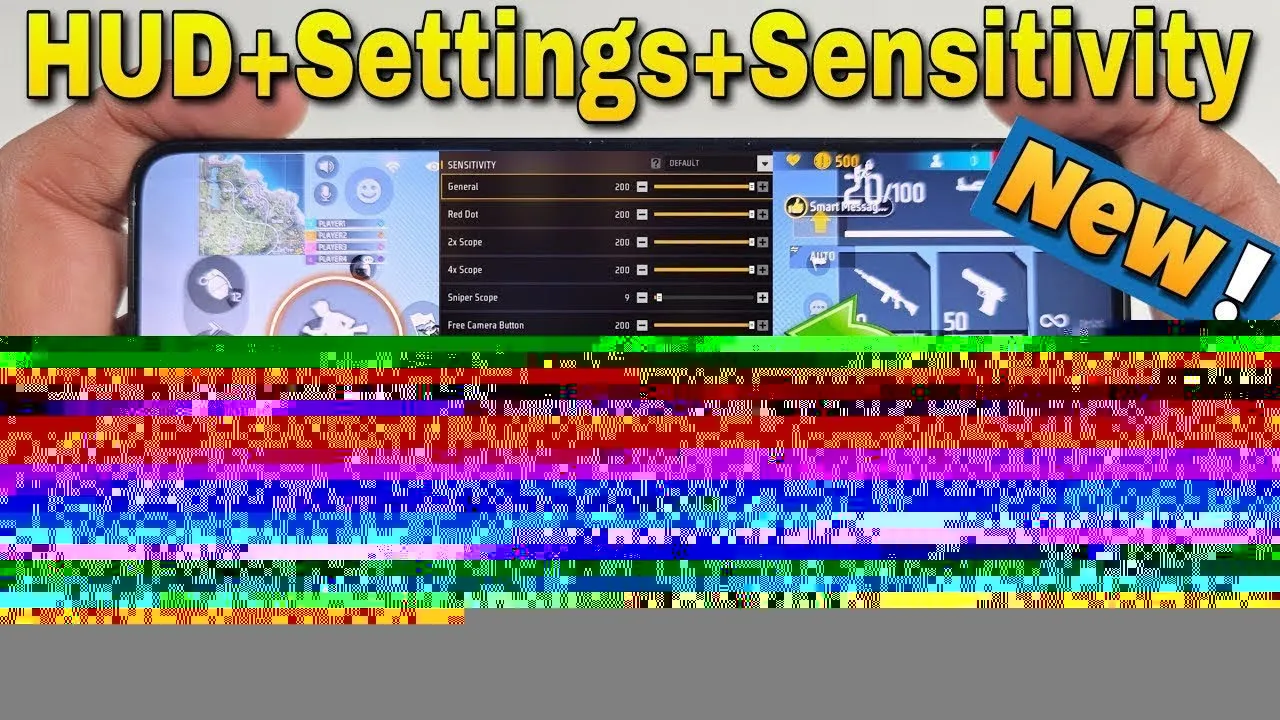

Sensitivity settings decide how far your crosshair moves when you swipe, and that single detail shapes almost every fight in FF Global. Settings that are too high make your aim jump past targets, while settings that are too low leave you turning too slowly when an opponent appears beside you. There is no single perfect number for everyone, but there is a reliable way to find the numbers that fit your phone, your hands and your style.
Before changing anything, make sure you download FF Global for Android on the device you actually play on, because sensitivity feels completely different on a small phone and a large one. Then adjust one slider at a time, test it properly, and write down what works so you can always return to it.
FF Global separates sensitivity into several sliders, and each one controls a different moment of play. General sensitivity affects how quickly you look around without aiming, which shapes your awareness and your turns. Red dot sensitivity controls close-range aimed fire, where most quick fights happen. Scope sensitivities for 2x, 4x and sniper scopes control longer-range aiming, and free look sensitivity affects camera movement when you scan your surroundings without moving your character.
Knowing which slider owns which moment saves a lot of frustration. If your close fights feel wild but your long-range aim feels fine, only the red dot slider needs work. If turning feels slow but aiming feels accurate, raise general sensitivity slightly and leave the rest alone. Treat each slider as a separate tool rather than copying one full set of numbers from another player.
A practical starting point is to place every slider somewhere in the middle-to-upper range and then move in small steps of five to ten points. Large jumps make it impossible to tell what actually improved. After each small change, play a short session and notice two things: whether you overshoot targets, which means sensitivity is too high, or whether you run out of screen space while turning, which means it is too low.
Give each adjustment at least a few matches before judging it. Your hands need time to adapt, and the first minutes with any new setting almost always feel strange. Players who change sensitivity every match never build stable muscle memory, while players who settle on a setting and keep it for weeks develop aim that feels automatic.
The same numbers behave differently on different phones. A device with a fast, smooth display makes moderate sensitivity feel responsive, while an older phone with lower frame rates can make high sensitivity feel choppy and hard to control. Screen size matters too: on a larger display your thumb travels further for the same turn, so slightly higher sensitivity often feels natural.
This is why pairing sensitivity work with the FF Global graphics settings guide helps so much. Stable frame rates make aim predictable, and predictable aim makes sensitivity testing meaningful. If your game stutters, fix performance first, because no sensitivity value can compensate for a crosshair that moves in uneven steps.
Sensitivity does not work alone. Your button layout decides how much screen space your thumb has for aiming swipes, and that space changes how sensitivity feels. A fire button placed too close to your aiming area shortens your swipe room and makes even moderate sensitivity feel cramped.
The FF Global controls settings guide walks through layout placement in detail, and it is worth reading before finalising your sensitivity. A good routine is to settle the layout first, then fine-tune sensitivity, then leave both alone for a long stretch of regular play. Constantly changing both at once means you never learn which change helped.
Use the training area to test sensitivity with a clear routine instead of guessing from match results. Stand at a fixed distance from targets and practise snapping your aim from one target to the next. If your crosshair consistently lands past the target, lower the slider slightly. If it stops short, raise it slightly. Repeat until your first movement lands close to the target most of the time.
Then test tracking: follow a moving target smoothly without firing. Good sensitivity lets you stay on the target without constant corrections. Finally, take the setting into real matches for several days. Only change it again if the same problem appears again and again, not because of one bad game.
It also helps to keep one written record of your settled settings somewhere outside the game, such as a note on your phone. Updates, a new device or an accidental reset can wipe your careful tuning in seconds, and rebuilding from memory is miserable. With your numbers saved, restoring your exact feel takes a minute. If you ever experiment with a very different setup, perhaps for a new weapon type or a larger phone, save the old numbers first so the experiment is risk-free. Treat your sensitivity like equipment you own: once you have found the set that fits, protect it, and only change it for a clear, tested reason.
The best FF Global sensitivity settings are the ones you tested yourself, in small steps, on your own phone. Understand each slider, adjust patiently, keep your frame rate stable, and coordinate sensitivity with your control layout. Once the numbers feel invisible during play, your aim training can finally build on solid ground.
Set up FF Global controls the right way: button layout, fire button size, HUD transparency and testing habits for smoother, more accurate matches. for Android.
Read Now
Start FF Global with confidence using beginner tips on landing spots, looting order, safe movement, mode choice and habits that build skill fast. from day one.
Read Now
Master FF Global Clash Squad with this guide to round structure, weapon buying, economy decisions, team roles and simple strategies that win rounds. on Android.
Read Now