FF Global Tips for Low-End Phones: Smooth Play on Any Budget Device
FF Global Tips for Low-End Phones: Smooth Play on Any Budget Device
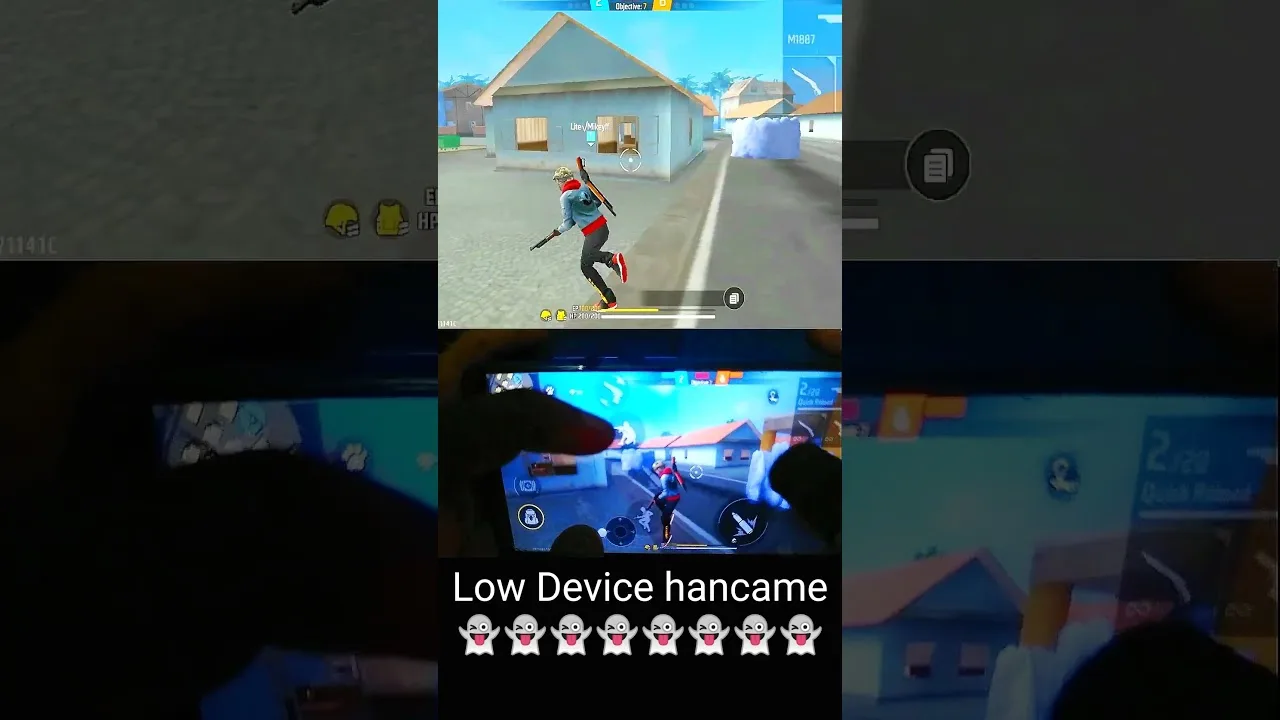

A modest phone does not have to mean a miserable game. FF Global is built to run on a wide range of Android devices, and players on budget hardware can enjoy smooth, competitive matches if they set the game up sensibly and keep the phone in good shape. The secret is not squeezing out maximum graphics; it is removing every avoidable burden so the phone can spend all of its limited power on the match itself.
If you are unsure whether your device is suitable at all, the FF Global device compatibility guide explains the requirements in plain language. Assuming your phone runs the FF Global battle royale game acceptably in menus, the habits below will decide how it feels ten minutes into a heated match, which is where low-end phones usually struggle.
The most important principle for low-end devices is stability. A phone that shows beautiful graphics for three minutes and then stutters for the rest of the match is worse than a phone with plain graphics that never wavers. Set graphics to the smooth or standard level, keep frame rate options at the highest setting your device sustains without heating up, and turn off decorative extras such as shadows and high-resolution textures.
Test your settings across a full session rather than a single minute. Many phones feel fine at first and slow down as they warm up, so judge a setting by how the third match feels, not the first. When you find a combination that stays steady for your whole session, stop experimenting and enjoy the consistency; constant tweaking is a tax on modest hardware.
Nearly full storage slows everything on a phone, because the system needs working room to function. Keep a healthy margin of free space, remove apps you no longer use, and clear cached data occasionally. Game updates also need temporary room, and a phone with almost no free space can fail updates or run them slowly.
Before playing, close background apps properly rather than leaving a long list of them sitting in memory. Social, video and shopping apps are especially greedy. Some phones include a game mode or performance mode that limits background activity while you play; if yours does, use it. The lighter the system around the game, the more of the phone the game gets.
Heat is the main enemy of budget phones during play. Warm components protect themselves by slowing down, and that slowdown arrives as sudden frame drops in the middle of fights. Simple habits delay it a long time: play in a cool or ventilated room, take the phone out of a thick case, keep the screen brightness at a moderate level, and avoid playing while fast-charging if your device gets hot when it charges.
Session length matters too. Two shorter sessions with a cooling break between them will feel smoother than one long marathon on the same phone. If the phone becomes uncomfortably warm, that is a clear signal to pause; continuing only deepens the slowdown and is unkind to the battery over the long term.
Network lag and device lag feel similar in a match, and low-end phones often suffer both because their Wi-Fi hardware is basic too. Play reasonably close to your router, prefer the less crowded network band your router offers, and keep other heavy downloads in the home paused during important matches when you can.
If your game still feels unresponsive after device fixes, work through the FF Global lag and ping fix guide to separate connection trouble from performance trouble properly. Many players blame their phone for what is actually evening congestion on their connection, or blame their connection for what is actually a hot, overloaded phone. Knowing which problem you have is half the cure.
How you play can also protect performance. Extremely crowded landing spots, with dozens of players, effects and vehicles in one area, are the heaviest scenes in the game; choosing moderately busy areas gives your phone an easier start. Similarly, very long sessions in a single match area full of action effects will stress the device more than varied play.
None of this means avoiding fun. It means being aware that on a budget phone, a slightly calmer landing and a slightly shorter session are small prices for a match that stays smooth from start to finish. Most players find that once their settings and habits are right, they stop thinking about their hardware entirely, which is exactly the goal.
Do not overlook your phone's own software upkeep either. Keeping the operating system updated, within what your device supports comfortably, often brings small performance and stability improvements that games benefit from. Remove old downloads, forgotten videos and duplicate files during a monthly tidy-up; budget phones often carry months of digital clutter that nobody notices until storage warnings appear mid-update. Finally, restart the phone fully at least once a week rather than leaving it running for months. These unglamorous habits will not turn a budget phone into a flagship, but they reliably deliver the best version of the hardware you already own.
Smooth FF Global play on a low-end phone comes from respect for limits: steady settings, free storage, a light system, cool hardware and a decent connection. Set things up once, test across full sessions, and keep the habits small and regular. Your phone may not be powerful, but a well-kept modest device delivers a far better game than a neglected powerful one.
Set up FF Global controls the right way: button layout, fire button size, HUD transparency and testing habits for smoother, more accurate matches. for Android.
Read Now
Find FF Global sensitivity settings that fit your phone and play style, with simple steps for general, red dot, scope and free look sensitivity. on any phone.
Read Now
Start FF Global with confidence using beginner tips on landing spots, looting order, safe movement, mode choice and habits that build skill fast. from day one.
Read Now